// Tabs
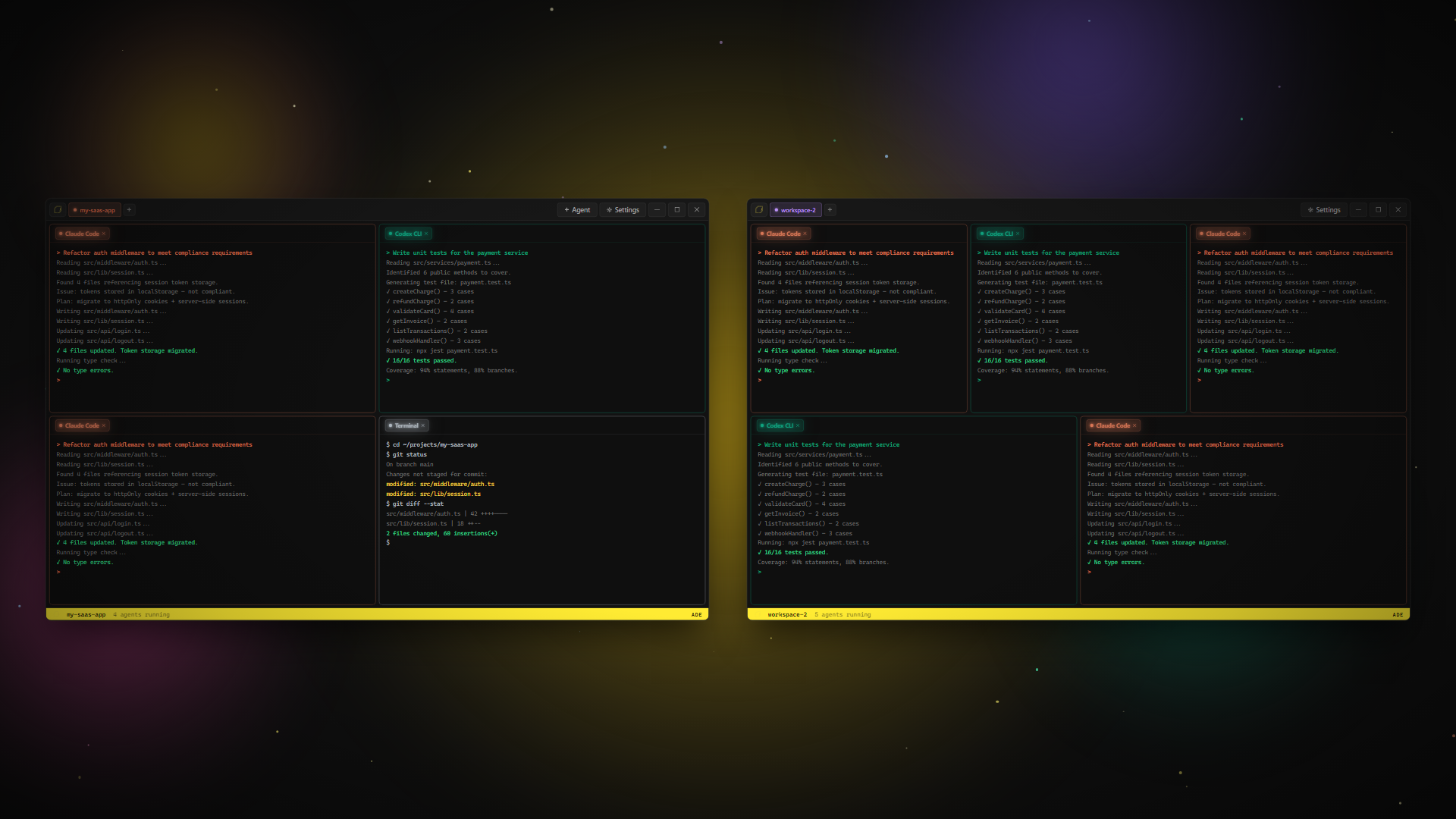
Each workspace is a self-contained environment with its own agents, working directory, and grid layout. Organize by project, by task, or however your brain works.
Color-coded identity
8 preset colors auto-assign. Each tab is instantly recognizable at a glance.
Drag to reorder
Click and drag tabs to arrange them however you want. Pixel-smooth animations.
Double-click to rename
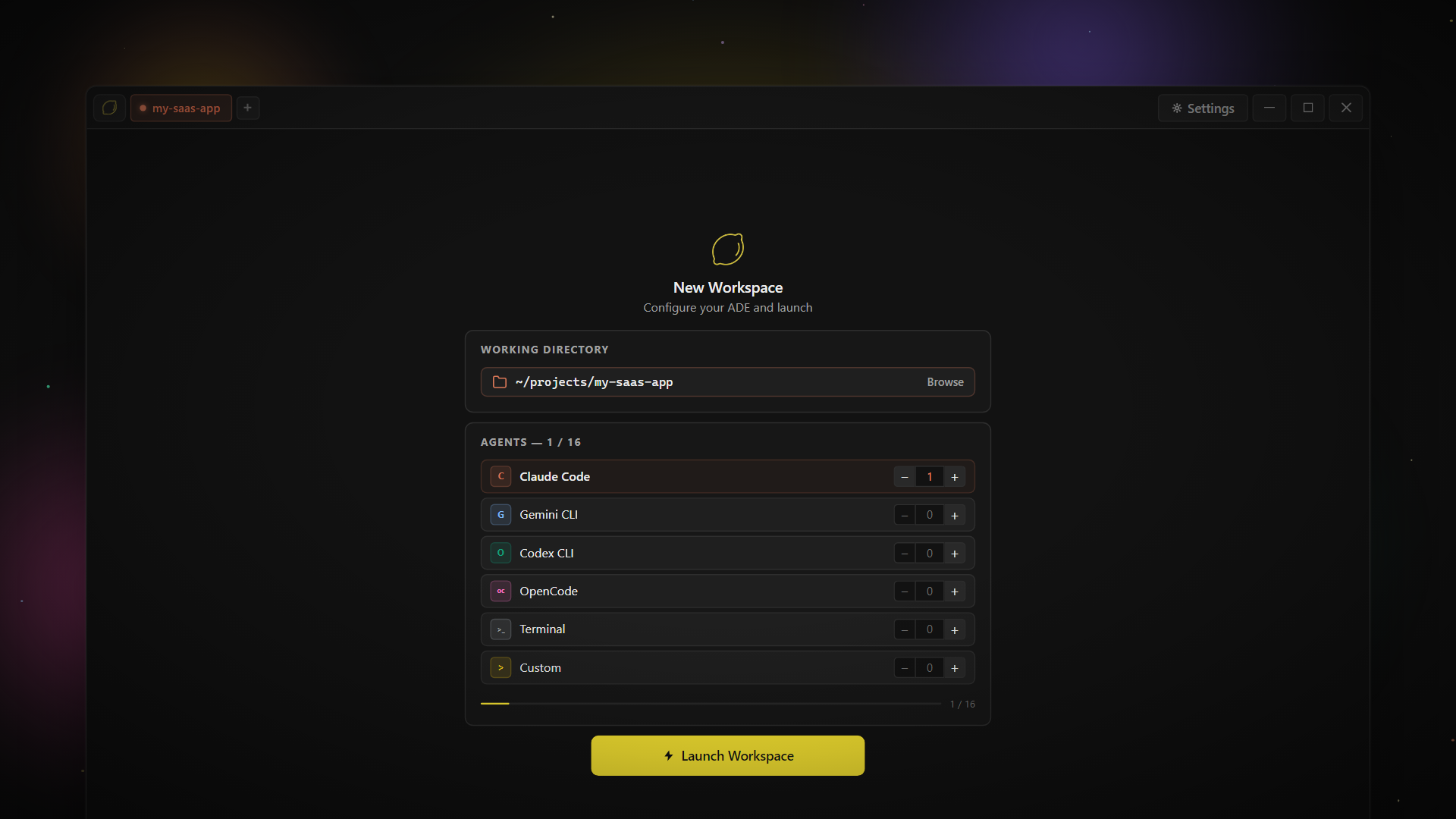
Name your workspaces after projects, clients, or tasks. Auto-names from your working directory on launch.
Right-click context menu
Open in new window, broadcast commands to all agents, or close — all from the context menu.
// Features
Pinned workspaces survive app restarts. Launch Lemonade and your projects are already running — agents, directories, grid layouts, all restored.
When a background agent hits a y/n prompt, the tab pulses amber. No more missed confirmations in inactive tabs.
Two-phase switch: tab highlights immediately, full state restores on the next frame. Zero jank, zero waiting.
Send the same command to every agent in a workspace simultaneously. Right-click the tab, type once, hit Ctrl+Enter.
Pop a workspace into its own window. PTY sessions stay alive. Drag it to another monitor. Multi-display ready.
Every switch saves a complete snapshot — grid layout, agents, directory, view mode, conversation IDs. Pick up exactly where you left off.
// Switching
Workspace switching is two-phase: the tab highlights instantly so you get immediate feedback, then the full state — grid, agents, directory, view mode — loads on the next frame. No spinners. No loading screens.
Grid layout
Agent count, grid size, and cell arrangement all restore exactly.
Working directory
Each workspace remembers its own project folder. Hover a tab to see the path.
View mode
Grid, Blueprint, Studio, or Cluster — the view you were in is the view you come back to.
Conversation context
Agent conversation IDs persist. Resume multi-turn sessions without re-explaining context.
// Identity
Colors auto-assign on creation. No duplicates until all 8 are used.
// A workflow for everyone
Structured grid. Up to 16 agents in fixed positions. Fast to launch, easy to manage.
Split-pane design mode. Terminal + live preview side by side for visual work.
Infinite canvas. Terminals, notes, images, browsers — anywhere you want them.
Agent swarm. Multiple agents collaborating on the same task in parallel.
All four modes included in every license. Switch anytime.